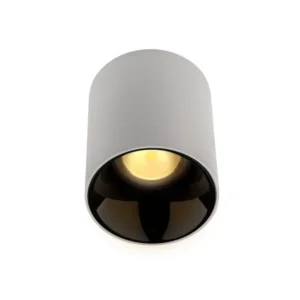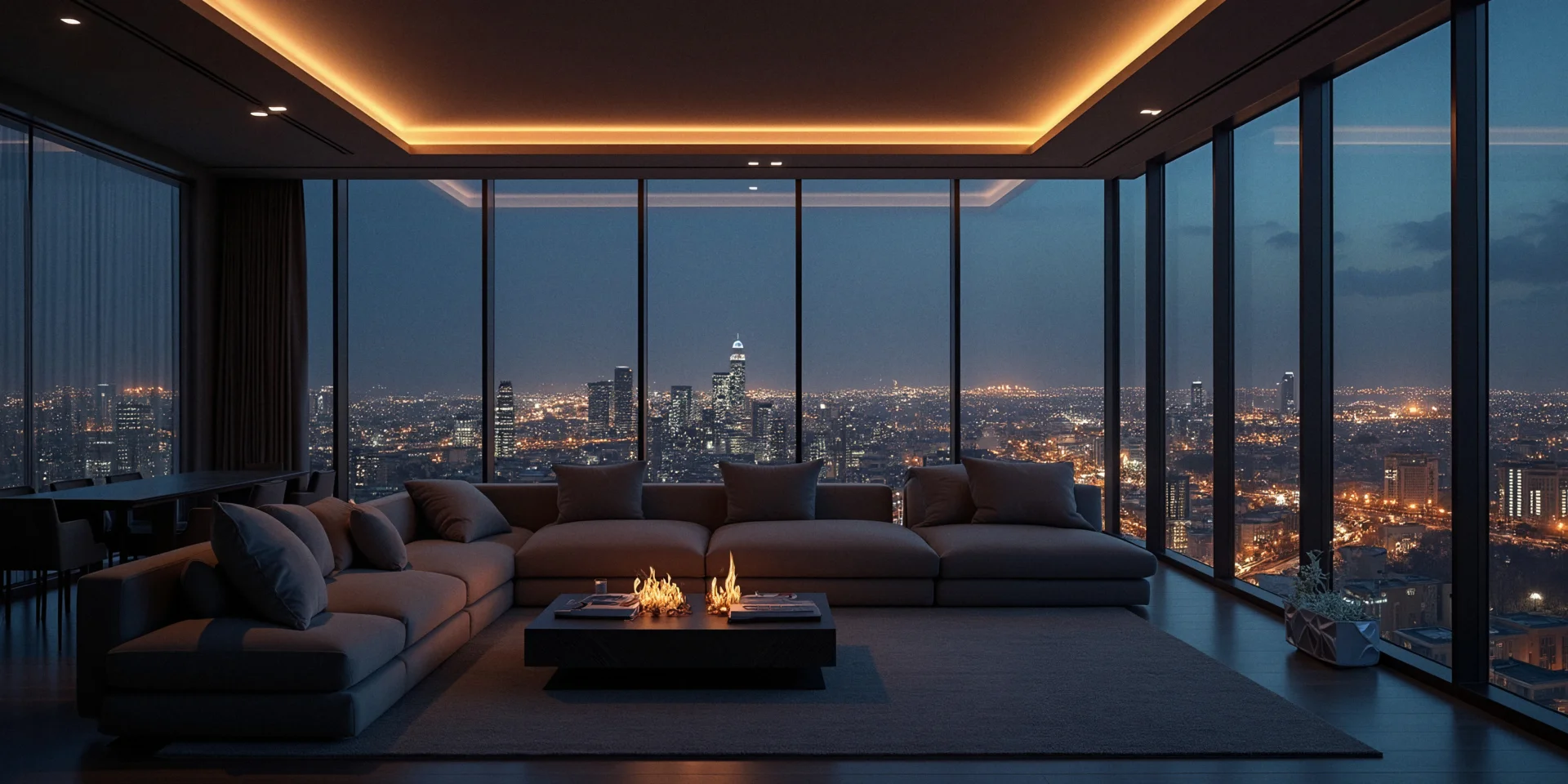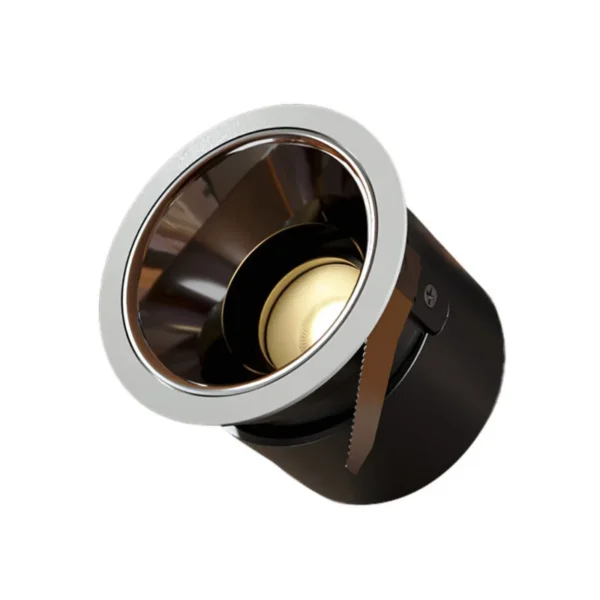
Spotlights are available with different beam angles: 15°, 24° and 36° for accent lighting, and 60° for diffused light. Color temperature range: 2700K-6000K. With color and brightness adjustment, you can control the lighting at home to suit the occasion: brighter and cooler when you are busy and need to focus, warmer and softer to create a cozy atmosphere.
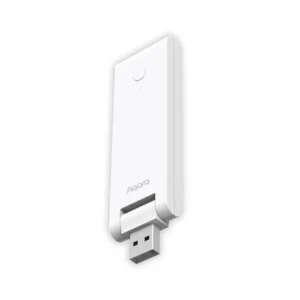
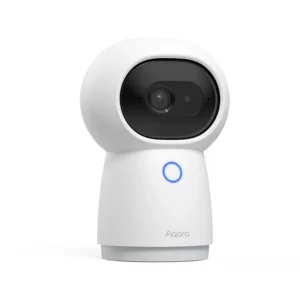
A device needs aSmart Home Hubwith Zigbee 3.0 support to work in the ecosystem.
Features
A color temperature range of 2700K-6000K lets you make the lighting comfortable just for you. The device also supports Apple HomeKit Adaptive Lighting: light temperature can change depending on the time of day (morning, afternoon or evening) or other factors.
Spotlights with accent beam angles of 15°, 24° and 36° can be tilted to direct the beam to a specific spot, such as a kitchen counter or desk.
When a 60° spotlight is mounted at a height of 1 m, the illuminated area is 1.2 meters in diameter; with a 36° spotlight, about 60 cm.
The 60° spotlight is ideal for diffused light: it can be used for general lighting and mounted directly in the ceiling. Because of its wider beam angle, this spotlight has no tilt function.
The spotlights can be controlled remotely from your smartphone.
How it works
Connects via Zigbee to the AqaraSmart Home Hub, after which it can be controlled from your smartphone manually, on a schedule or through automations you create.
Power
220-240 V~, 50/60 Hz, 0.06 A / 10 W.
When off, the spotlight consumes less than 1 W per hour, and at 100% brightness – 10 W.
Communication protocol and compatibility
The device uses Zigbee 3.0 protocol version.
Installation
You can easily install the spotlight in its prepared spot. The 60° spotlight has a special mounting type with spring-loaded clips, so it is ideal for installation in stretch ceilings.
When installing any type of spotlight, the wiring is neatly and conveniently hidden behind the ceiling and creates no visual clutter.
Automation
You can create automations that make your life even more comfortable and transform the lighting in your home:
- in the morning, the spotlights can turn on gradually on schedule for a gentle wake-up;
- during the day, you can adjust brightness and temperature with dimmers;
- in the evening, you can maintain the lighting level you need for different tasks.
You can also set up the spotlights to turn on automatically with a motion sensor or a preset scenario.